Step One

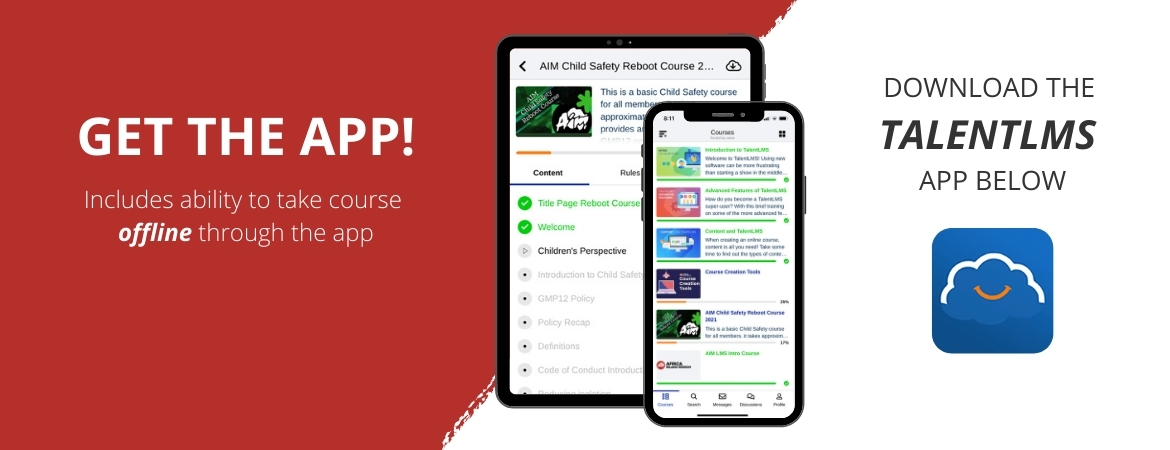
Download the TalentLMS App for IOS or ANDROID


Step Two

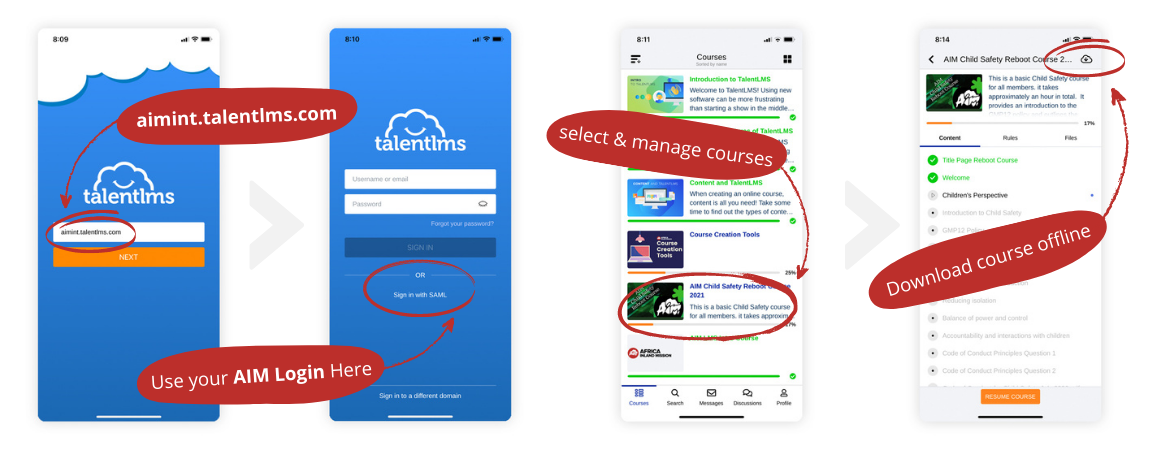
Sign-in to the App & Download Courses Offline (optional)

FOR DOMAIN USE: aimint.talentlms.com  |  FOR LOGIN SELECT: Sign in with SAML  |  LOGIN WITH YOUR: Personal AIM / Company Account

Step Three

Take Courses!

It's really that simple to use the App. As more courses become available to you they will be appear in the app.


NOTE: If you've taken a course offline you will need to return to wifi or cell service to sync the results when you are completed with a course.